
How to buy
How to buy with Rindo.
Six steps from a free account to a registered car on your drive. Each step says what you do, what Rindo does, what happens next and when payment is due. You only follow the buying route you choose.
林道THE RINDO WAY
From first search to first drive.
01sagasu· to seek
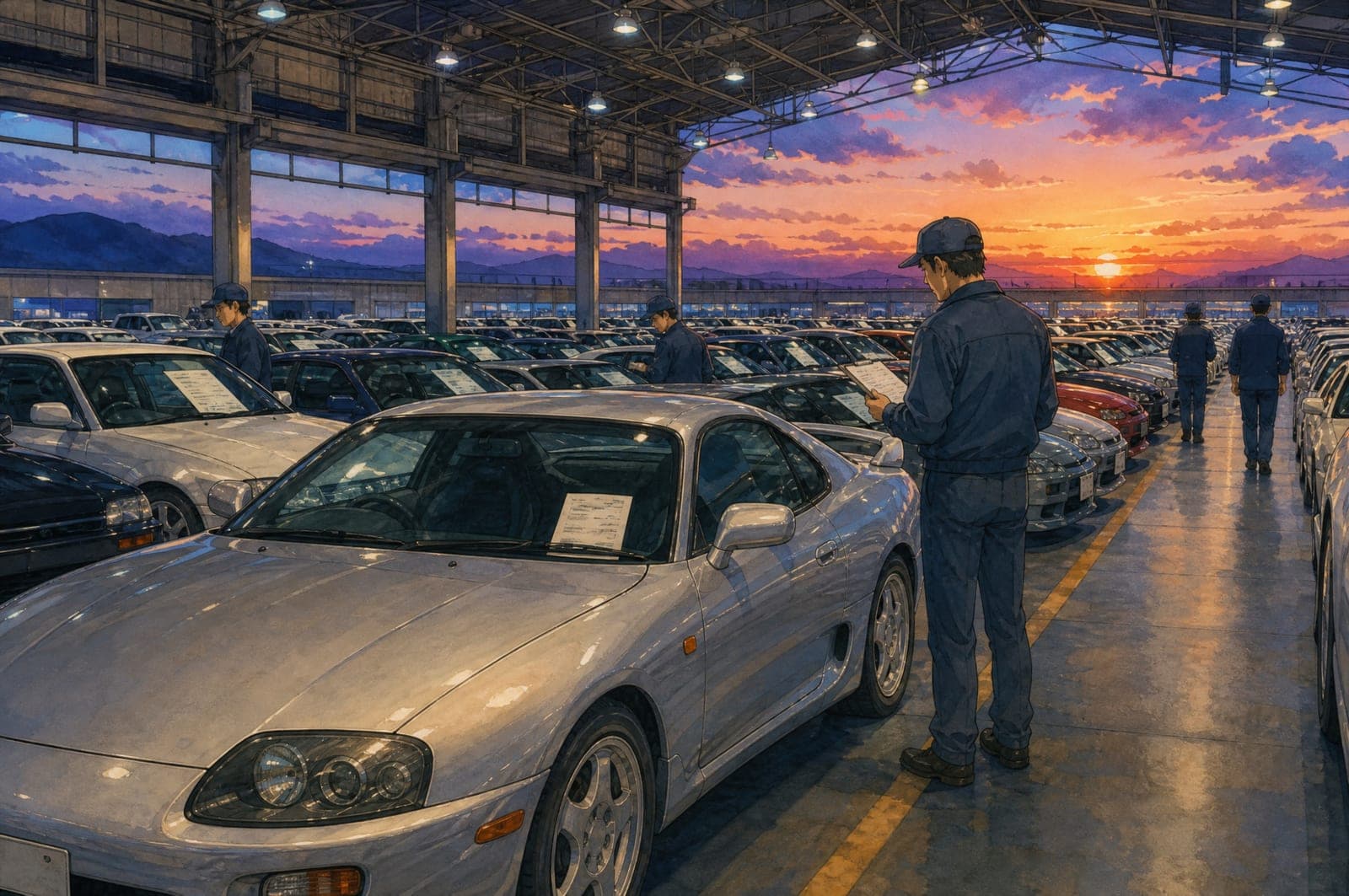
Find the one.
Explore Japan’s auctions, browse available stock, or let us source something special.
02miru· to look closely
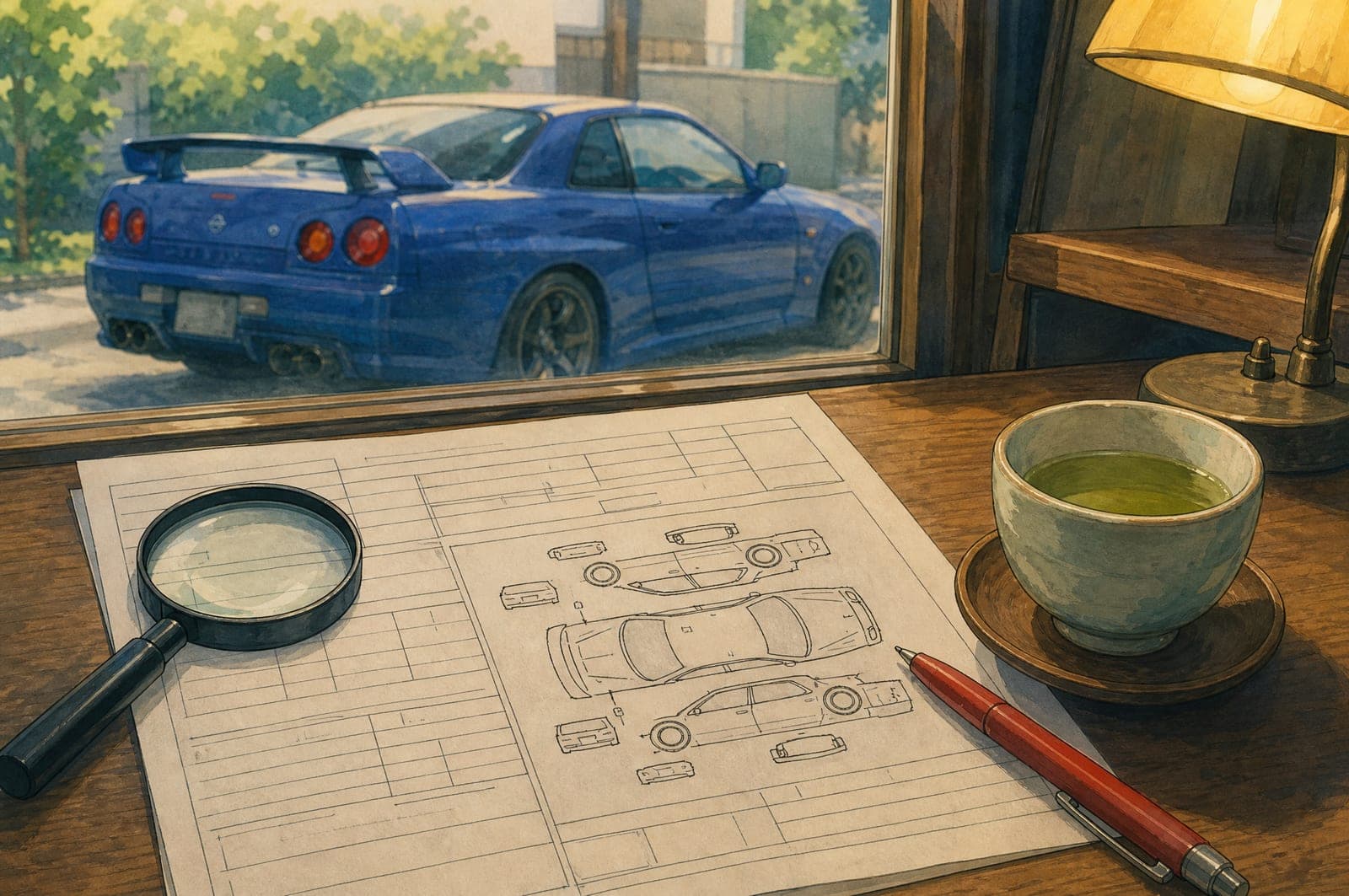
Look beyond the grade.
We assess the available information, pursue further checks and inspections, and explain our findings before you commit.
03nyūsatsu· to bid
Make it yours.
Approve your bid or purchase with the costs clearly explained. We handle securing the car.

04umi· the sea
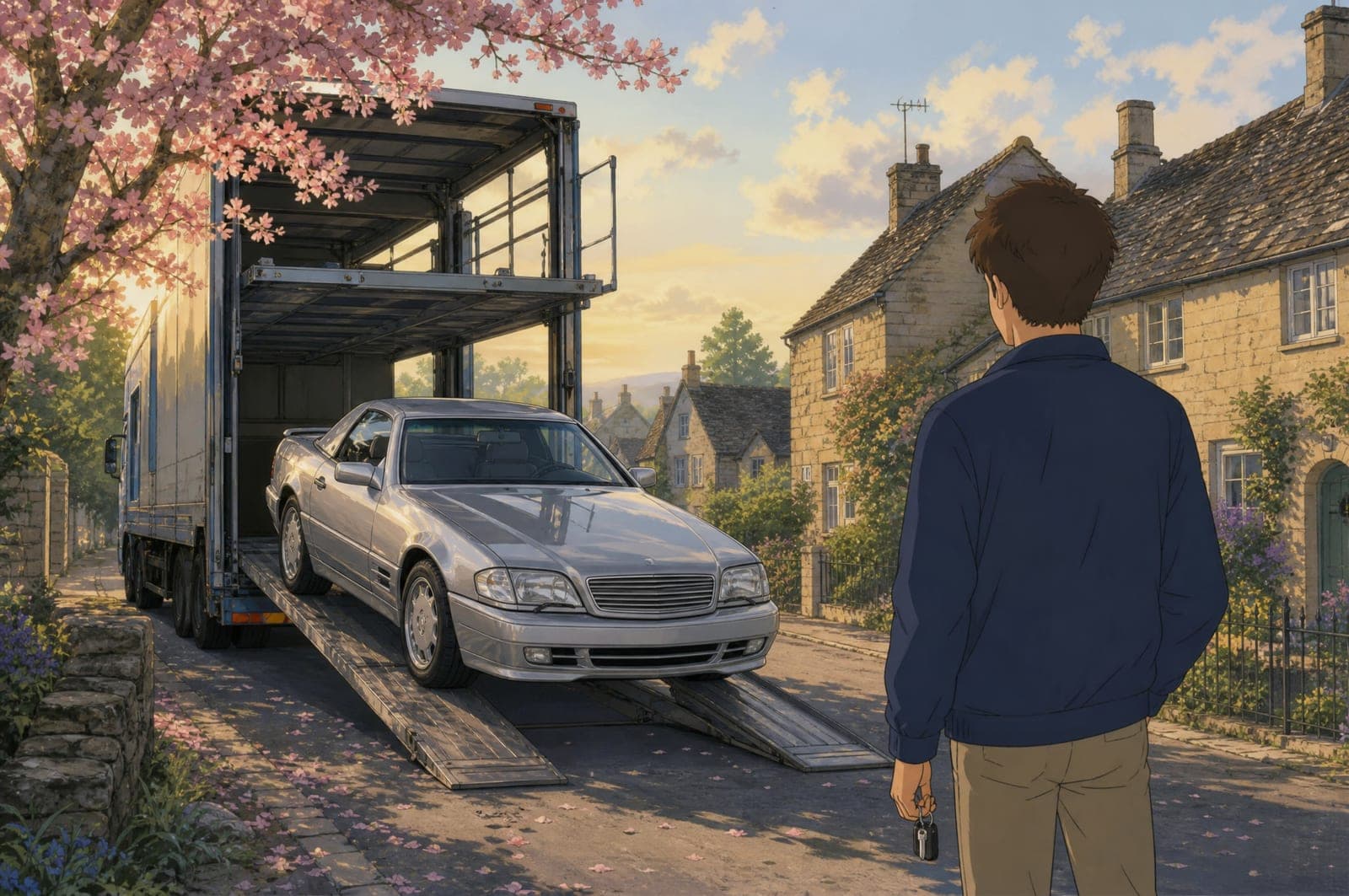
Bring it home.
We arrange its journey from Japan. Rindo can handle the import process, or you can manage it yourself.
05hashiru· to drive
Take the wheel.
With preparation and registration completed, your car is ready for the road—and yours to enjoy.
The process in detail
Registration is free and public pages stay open to everyone. A deposit is only part of the auction route, and you are told the amount and the terms before you pay.
- Rindo handles
- Partner handles
- You handle
- Shared
Step 1
Register free
Create your Rindo Portal account and choose your import country. There is no charge and no deposit to register. The public website stays open without an account.
- What do I do?
- Create your free Rindo Portal account with your name, email and the country you will import to. You can change the country later.
- What does Rindo do?
- Sets your account up for your destination so the estimates, destination stages and country guide you see are the right ones.
- What happens next?
- Browse auction listings and stock, save cars and ask us about any of them. Nothing is committed by registering.
- When is payment due?
- Never at this step. There is no charge and no deposit to create an account.
Step 2
Choose a buying route
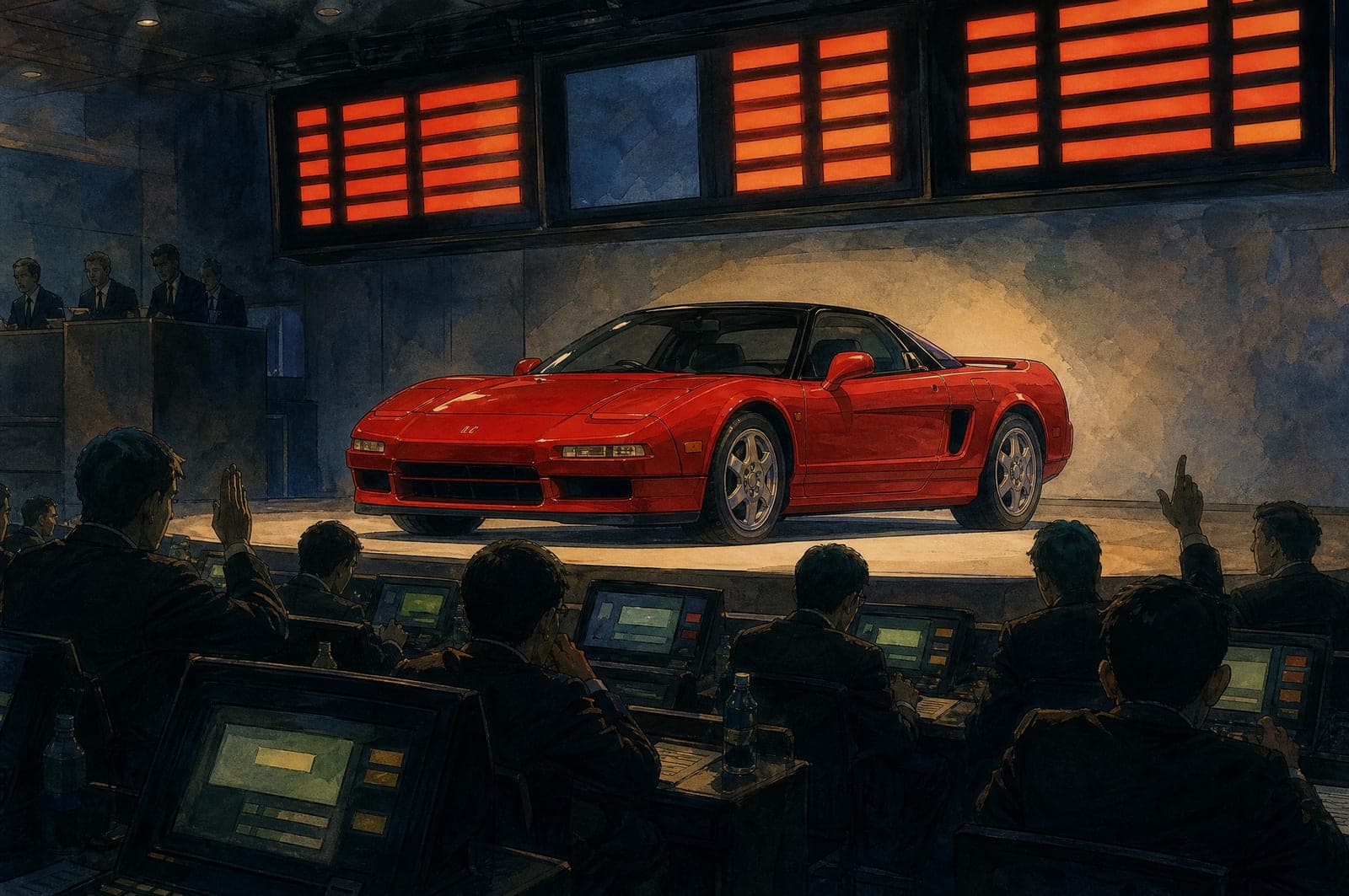
Auctions, Stock Cars or Dedicated Car Sourcing. Most customers buy at auction; you only need to follow the route you choose.

Step 3
Follow the relevant route
Pick your route below to see its steps. Whichever you choose, nothing is bought until you authorise it in writing, and we tell you the estimated costs before you decide.
Most customers buy at auction. Complete listings and bidding open once a case-by-case deposit is confirmed; until then you can browse and ask us about anything you see.
- 1
Confirm the deposit
You handleA case-by-case deposit opens complete listings and bidding in Rindo Portal. We tell you the amount and the exact terms before you pay; it is credited to your purchase or refundable if you buy nothing.
- 2
Shortlist cars
You handleSearch and save listings in the portal. Ask us about any car you are considering.
- 3
Review the car with Rindo
Rindo handlesWe assess the auction report and photographs, pursue further checks or an inspection where available, and explain our findings.
- 4
Review the estimated costs
SharedA cost estimate for the car to your port, with destination costs shown separately, so your maximum bid is set on the whole picture.
- 5
Authorise your maximum bid
You handleYou confirm the lot and the highest price you authorise, in writing. Bids are placed through Rindo on your instruction and never exceed it.
- 6
Receive the result
Rindo handlesWon or not won, you hear the same day. If won, the purchase moves to payment.
Cars available now from dealers and sellers in Japan, at a stated price. No deposit stage: we check availability, review the car with you and buy on your approval.
- 1
Select a vehicle
You handleChoose a car from the stock listings or ask us about one you have seen.
- 2
Confirm current availability
Rindo handlesWe check with the dealer or seller that the car is still available before anything else.
- 3
Review condition and further checks
Rindo handlesWe go through the condition information held and arrange further checks where they add something.
- 4
Review the quote and purchase terms
SharedVehicle price, Rindo’s charges and shipping estimate, with the seller’s terms explained.
- 5
Approve the purchase
You handleOn your written approval we secure the car with the seller.
For a specific car, specification or something rare. We agree the scope before searching and buy only when you approve a car we have found and assessed.
- 1
Submit a brief
You handleTell us the car, specification, condition, budget and how flexible you are.
- 2
Agree the scope and terms
SharedWe confirm what we will search, how we will report back and the terms that apply before any search starts.
- 3
Review candidates, findings and costs
Rindo handlesEach suitable car comes with our assessment and a cost estimate. Locating a car is not a guarantee of its condition or suitability.
- 4
Approve the purchase
You handleWe negotiate with the seller where appropriate and secure the car on your written approval.
Step 4
Pay for the car
After an auction win, you pay the vehicle balance and the agreed Rindo charges, with the applicable deposit credited. For stock and sourcing, the payment terms are those agreed before purchase.
- What do I do?
- Pay the invoice by the method and reference it states. If anything on it is unclear, ask before sending funds.
- What does Rindo do?
- Issues the invoice with the figures you were shown before you committed, confirms receipt, and settles with the auction house or seller.
- When is payment due?
- The due date is stated on each invoice. Auction houses set short settlement periods after a sale, so have funds ready before you authorise a bid.
- What happens next?
- The car is collected from the auction house or seller and export preparation starts.
When you pay, at a glance
01
Free registration
No deposit is needed to create the account.
02
Auction deposit
Amount varies by vehicle and case. Enables complete auction access and bidding. Credited to your purchase, or refundable if no vehicle is purchased, on the exact terms given before payment.
03
Successful purchase
Vehicle balance plus stated Rindo charges, less the applicable deposit.
04
After acquisition
A separate invoice for freight and loading.
05
Destination stage
Applicable local charges and services, explained according to the import arrangement you chose.
Step 5
Arrange shipment
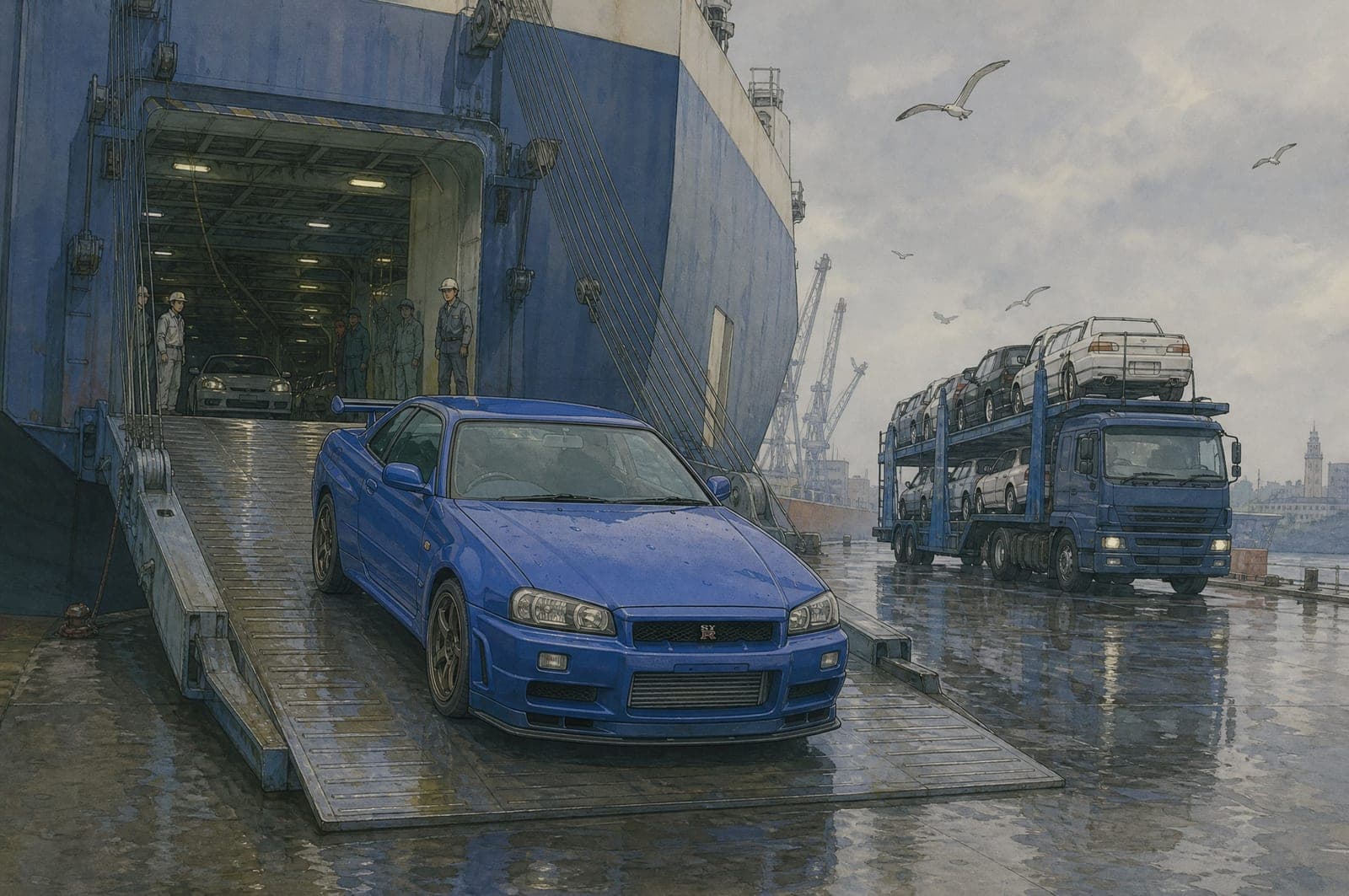
Once the car is acquired, a separate invoice covers freight and loading. We confirm the method and sailing at booking and keep you updated on departure and arrival.
Roll-on roll-off or container
We recommend a method for the car and route, confirm it at booking and tell you the sailing and expected arrival.
Shipping methods →- What do I do?
- Pay the freight and loading invoice and tell us which port suits you if there is a choice.
- What does Rindo do?
- Completes export paperwork, books the sailing, loads the car and sends you the shipping documents your destination needs.
- What happens next?
- You receive the departure and expected arrival dates and updates on the way.
- How do I ask for help?
- Reply to any message from us or use the contact page. The same person follows your car from booking to arrival.
Step 6
Import, register and drive
Rindo can handle the import and the arrangements that follow, or you can manage them yourself. The service scope and the expected destination costs are explained before you buy, even where exact figures are confirmed later.
At your destination
- 1
Arrival
Partner handlesThe vessel arrives at your chosen port and the vehicle is discharged.
- 2
Customs clearance
SharedImport declaration, duty and tax according to your country’s rules.
- 3
Testing and approval
You handleAny inspection or approval required before registration.
- 4
Registration
You handleRegistration with your national authority and local insurance.
- 5
Delivery
You handleCollection from the port or onward transport to your address.
Prefer to manage the import yourself? You receive the same documents and can use your own agent. The Country Import Guide sets out what your country requires either way.
At every step
The same five questions, answered throughout the process.
What do I do?
Register, choose a route, authorise bids or purchases in writing, pay each invoice when it falls due, and tell us how you want the import handled.
What does Rindo do?
Assesses the car, explains the costs, places your bids on your instruction, handles the purchase and export in Japan, ships the car, and can handle the import and what follows.
What happens next?
You hear from us at each step, with results on sale day and shipping updates from booking to arrival.
When is payment due?
Nothing at registration. A deposit for auction bidding, the purchase balance after a win or approval, a freight invoice after acquisition, and local charges at destination.
How do I ask for help?
Message us about any listing, reply to any email, or use the contact page. Questions are welcome before you commit to anything.
Contact us

Start with a free account.
Registration costs nothing and commits you to nothing. Browse, ask questions, and choose your route when you are ready.